FLYTUNE
MADE FOR FLYTRVP
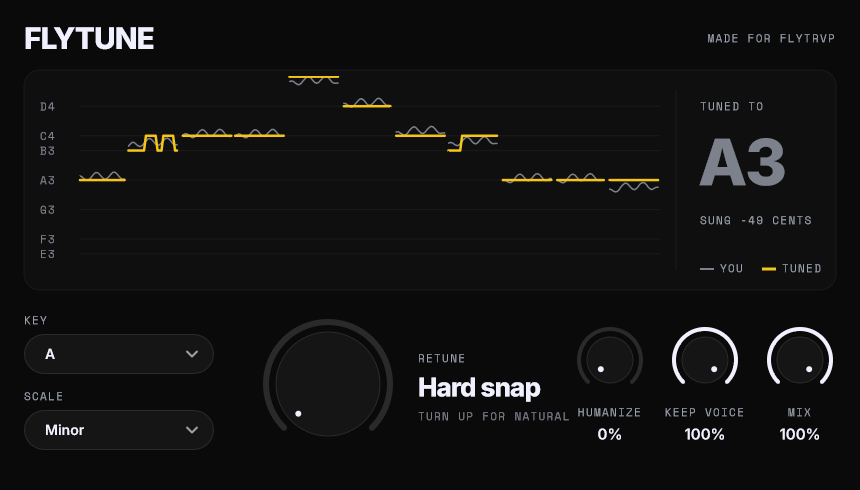
Live auto-tune for FL Studio. Pick the key, turn Retune all the way left for the hard snap.
Download FLYTUNE 1.0Windows 64-bit · VST3 · 3.7 MB
INSTALL
- Unzip it. Copy the whole
FLYTUNE.vst3folder intoC:\Program Files\Common Files\VST3 - Open FL Studio. Options, Manage plugins, Find installed plugins.
- FLYTUNE is under Effects. Put it in the first slot of your vocal's mixer track.